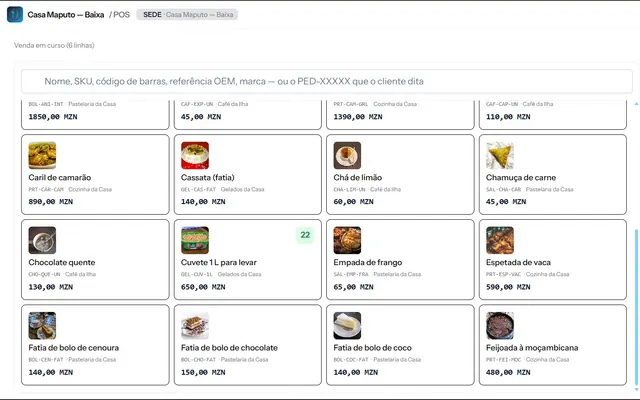
What a POS should do for you
A point-of-sale (POS) system records every sale, updates stock and shows the owner, at the end of the day, what came in and what went out. If it only prints receipts, it is an expensive cash register.
The right choice saves the cashier time and gives you reliable numbers to decide with. These are the questions that help you compare.
1. Does it work when the internet drops?
Network outages are normal. A good POS keeps selling without a connection and syncs when the network returns. Ask what happens to sales made during the outage and whether stock is correct afterwards.
2. Does it accept the payments your customers use?
Cash, M-Pesa, e-Mola and card should be recorded on the same screen, each under its own method, so the till closes correctly. Check how mobile payments are confirmed (automatically or by hand) and where the record is kept.
3. NUIT invoicing
If your customers ask for an invoice with their NUIT, the system should issue the document on the spot, with the customer's details and VAT itemised. Check with your accountant what you need to comply with in your case.
4. Stock and operator control
See whether the system warns you when an item is running out and whether each operator signs in with their own access, for example a PIN. That way you know who sold what, and errors and losses drop.
5. Reports you can read without help
Sales per day, per payment method, per operator and per shop, plus idle stock. If you need a technician to view a simple report, the system is not fit for purpose.
6. Support and deployment
Ask how long deployment takes, whether the team gets training, and who answers when something breaks. A good system with poor support is still a problem.
Where to start
Write down what your shop needs today: number of tills, payment methods, and whether you sell at the counter or at the table. Then ask for a demo.
Brilliant Mind Systems' POS was designed around these questions. Get in touch to see how it fits your business.


Written by Brilliant Mind Systems
A Mozambican partnership of young academics who build websites, systems and apps for companies and institutions.
Keep reading
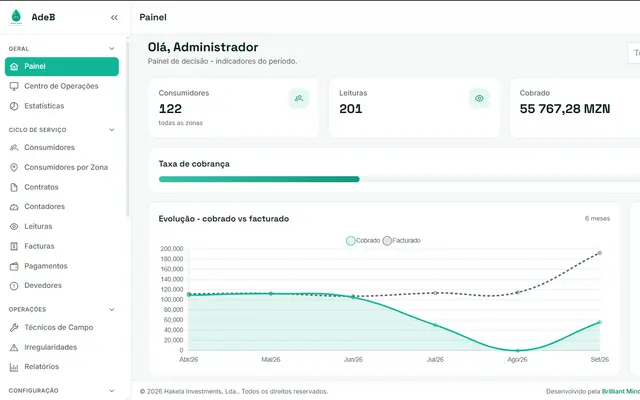
From spreadsheet to automatic water billing
How a water utility can move from paper and spreadsheets to field readings, automatic billing and mobile payments.
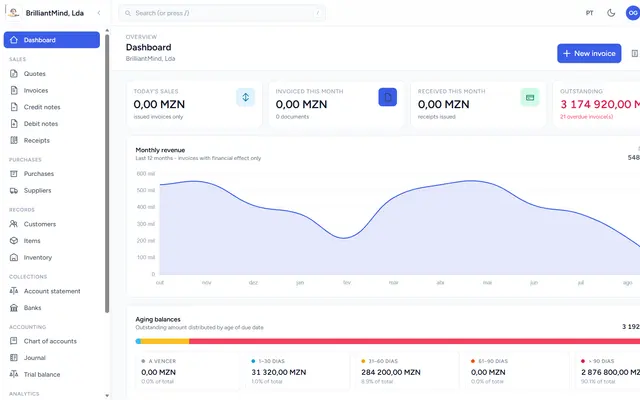
Invoicing software for SMEs: what to look for before you choose
Invoices, receipts, stock and accounting in one system: what to check in invoicing software for your SME in Mozambique.