
Security is not an extra
An insecure website or system is usually discovered the hard way: the site goes down, customer data shows up where it shouldn't, or someone changes a payment. The good news is that most incidents start from basic flaws, which simple habits prevent.
These are the practices that make the most difference, in order of effort and impact.
1. Use HTTPS everywhere
An SSL certificate encrypts the connection between the visitor and the server. Without it, passwords and form data travel in the clear and browsers flag the site as "not secure". Force the redirect from http to https and renew the certificate before it expires.
2. Strong passwords and two-step verification
Short or reused passwords are the most common way in. Use a password manager, long passphrases, and turn on two-step verification on admin panels, email and hosting.
Everyone on the team should have their own account. Never share the administrator login.
3. Keep everything up to date
Systems, plugins, libraries and the server itself receive security fixes regularly. Postponing updates leaves known vulnerabilities in plain sight. Plan a monthly update window and test on a separate environment first.
4. Backups you actually test
A backup is only worth something if it restores successfully. Take automatic backups of the database and files, store them away from the main server, and test a restore from time to time. It is what separates a scare from a disaster, for example in a ransomware attack.
5. Give each user only the access they need
Whoever serves customers doesn't need to change prices or delete records. Define roles and permissions, log who did what, and remove access for anyone leaving the team on the same day.
6. Protect forms and payments
Validate and clean everything users submit (against SQL and script injection), limit login attempts, and use anti-bot checks on forms.
For M-Pesa, e-Mola or card payments, sensitive data should stay with the operator: your system keeps only the transaction reference, never the PIN or the card details.
7. Keep keys out of the code
API keys, database credentials and operator secrets should not live in the code or in shared repositories. Use environment variables, restrict who can see them, and rotate them if a leak is suspected.
8. Keep logs and alerts
Access and error logs help you understand what happened. Set up alerts for spikes in failed attempts, unexpected content changes and downtime.
What if something goes wrong?
Have a short plan: who decides, how to contain the problem (take the site offline, revoke keys), how to restore the last good backup, and how to tell affected customers. Afterwards, find the cause so it doesn't happen again.
Where to start
If you can only do three things this week: turn on HTTPS and two-step verification for admin access, confirm that recent backups exist, and update whatever is out of date.
If you'd like a review of your website or system, get in touch.


Written by Brilliant Mind Systems
A Mozambican partnership of young academics who build websites, systems and apps for companies and institutions.
Keep reading
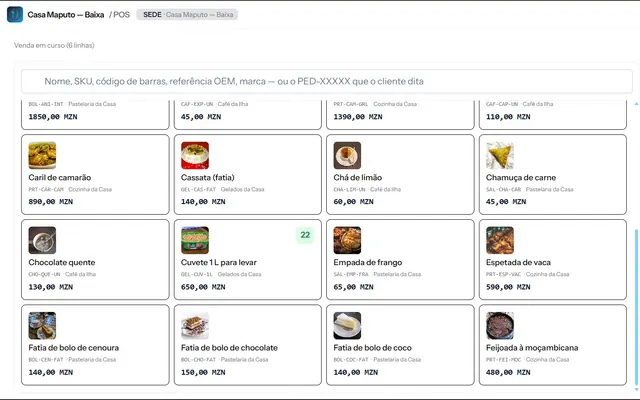
How to choose a POS system in Mozambique
Six questions to compare point-of-sale systems: offline operation, M-Pesa and e-Mola payments, NUIT invoicing, stock, reports and support.
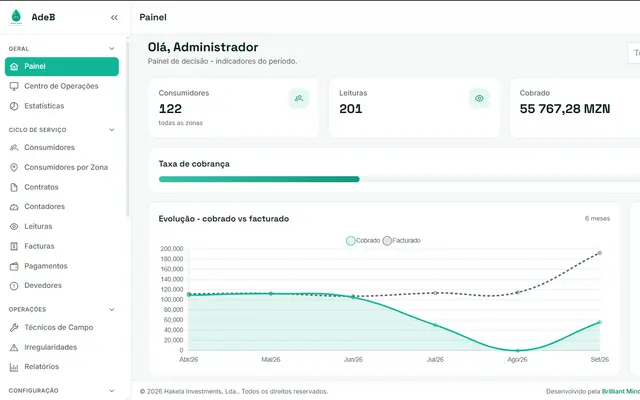
From spreadsheet to automatic water billing
How a water utility can move from paper and spreadsheets to field readings, automatic billing and mobile payments.