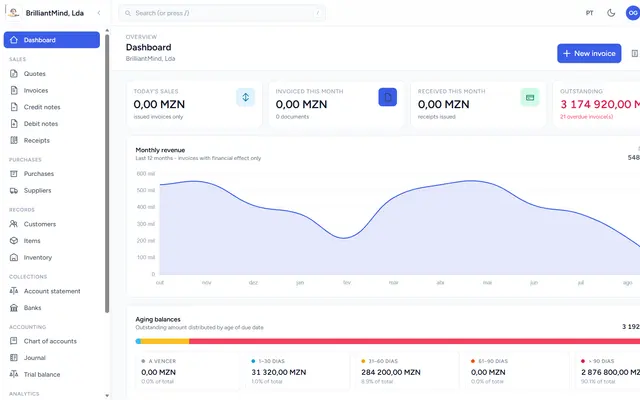
More than issuing invoices
Good invoicing software doesn't stop at the PDF. It links quotes, invoices, receipts, stock and receivables, so you know at any moment who owes you and how much.
1. Documents with your brand
Invoices and quotes should go out with your logo, colours and tax details, in templates you can choose. It conveys professionalism and avoids rework.
2. Quote, invoice and receipt linked together
Ideally you can turn an approved quote into an invoice in one click and record the receipt when the customer pays, keeping the full history.
3. Stock and purchases
If you sell products, stock should go down with every sale and up with every purchase. Look for low-stock alerts and a supplier register.
4. Accounting and export
Ask whether the system does double-entry accounting and exports the SAF-T (MZ) file for your accountant. It saves hours at month end.
5. Several users and several companies
Role-based permissions and the ability to manage more than one company in the same system avoid duplicate tools if the business grows.
6. In the cloud, with backups
A cloud system gives you access from anywhere. Check where the data is kept and whether backups are automatic.
Where to start
List what you issue today (quotes, invoices, receipts), how many people will use the system, and what your accountant asks for at month end.
Brilliant Mind Systems' MozFactura covers this path. Ask us for a demo.


Written by Brilliant Mind Systems
A Mozambican partnership of young academics who build websites, systems and apps for companies and institutions.
Keep reading
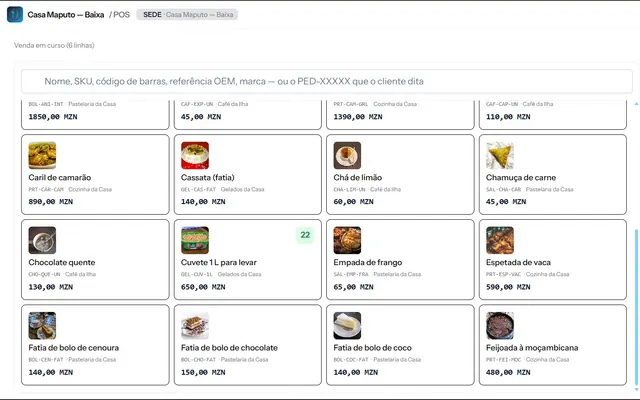
How to choose a POS system in Mozambique
Six questions to compare point-of-sale systems: offline operation, M-Pesa and e-Mola payments, NUIT invoicing, stock, reports and support.
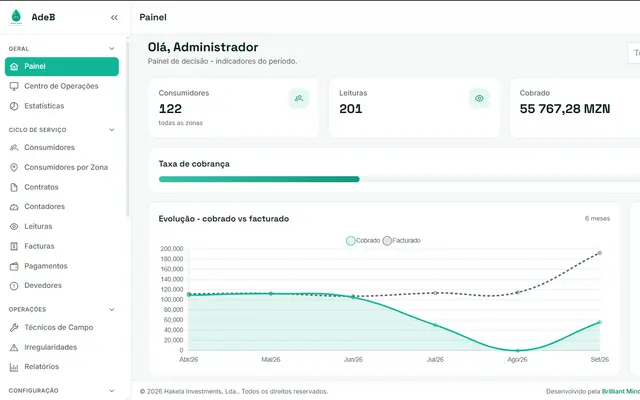
From spreadsheet to automatic water billing
How a water utility can move from paper and spreadsheets to field readings, automatic billing and mobile payments.